
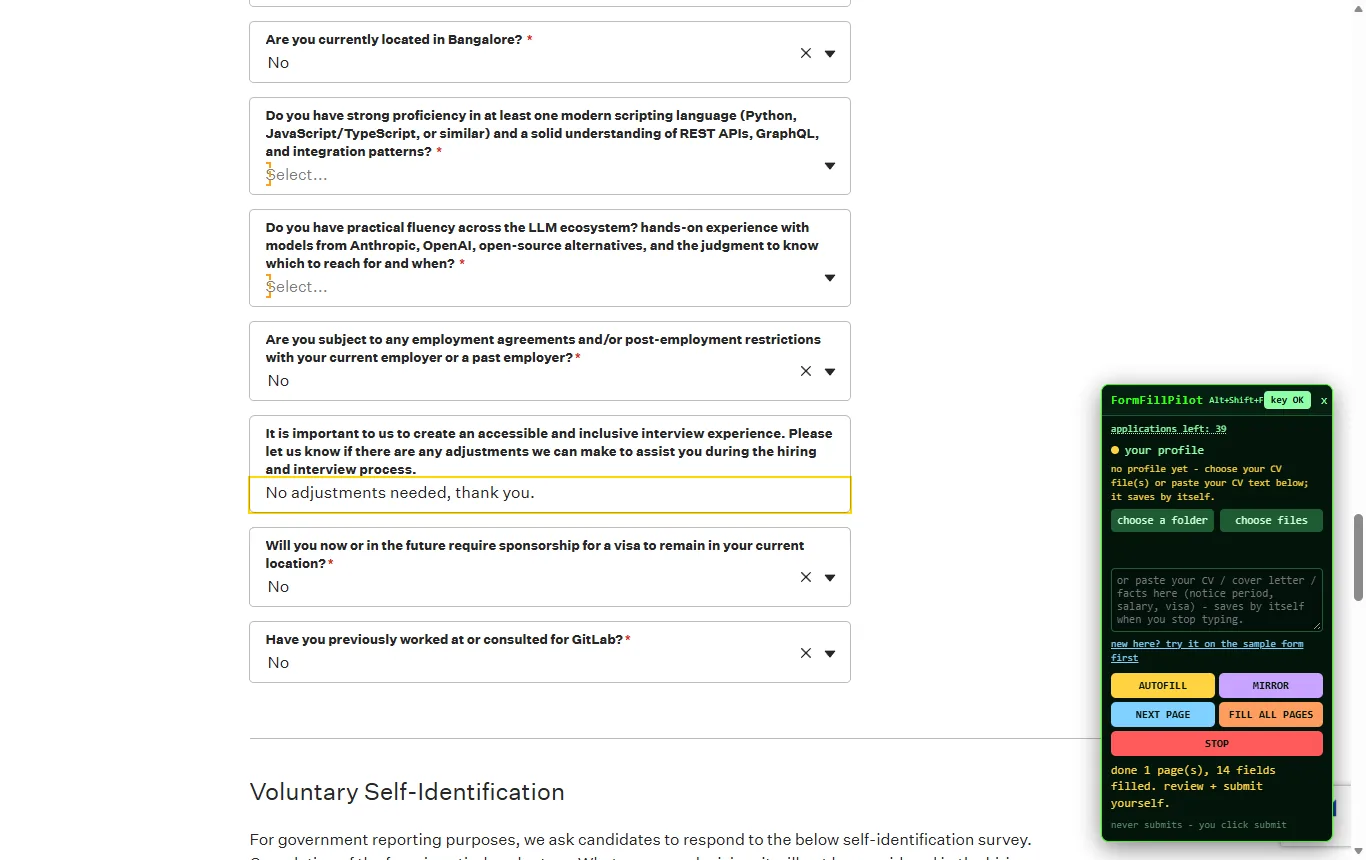
What counts as an online form
Anything a website asks you to type into: a job application on a career site, a supplier registration on a customer's portal, a seller listing on a marketplace, a directory submission, a customer intake form, a survey with the same twenty questions as the last one. If it opens in Chrome or Edge and has fields, FormFillPilot can fill it.
How the fill happens
Your files become a profile
CV text, PDF or Word files, a folder, a company sheet, a JSON or Markdown file of facts. Read once into a structured profile kept under your key. The raw files are not stored.
The page is read where you are
The labels, types and options of the fields, plus the page's visible text, go to the FormFillPilot engine, which plans an answer per field from your profile. Nothing is invented.
Outlines, mirror, your submit
Each field is outlined and filled; the mirror lists every answer with copy and send buttons. You read, change what you want, and press the website's own submit.
Online form filler vs PDF form filler
| Online form filler (FormFillPilot) | PDF form filler | |
|---|---|---|
| Where the form is | On a website, in your browser | In a PDF file you upload or open |
| Where the answers come from | Your files, read once into a profile | You type them, or a saved set of fields |
| Free-text questions | Answered from your material, shown first | Not applicable |
| Sending | You press the site's submit; the tool never does | You download and send the file |
| On formfillpilot.com | The Chrome and Edge extension | PDF forms, a web page, open now |
The honest limits
- Desktop only: Chrome and Edge on Windows, macOS or Linux.
- No submit, no CAPTCHA, no account creation, no passwords. Those stay with you, on purpose.
- Fields with no answer in your files stay empty, marked in the mirror, until you type the answer once; then it is remembered.
- Pages built from custom widgets may need the mirror's copy button for the odd field.
Three free applications, no card
Open the sample form, paste any text that describes you or your business, press AUTOFILL, and read the mirror.