
What "autofill" means here
Chrome autofill
A small set of saved values (name, email, address, card) matched to fields by their type. Nothing for "Why do you want this role?" or "Delivery days".
Password managers
Logins, and the same address and card fields. They are excellent at what they do, and they stop where the real form starts.
FormFillPilot
A profile built from your files: history, skills, business details, facts, remembered answers. Any field that has an answer in there gets it, shown in a mirror first.
Permissions, in plain words
- The page you are on. When you open the panel (toolbar icon, Alt+Shift+F, or the right-click item "fill this field"), the extension reads the form fields on that page, including forms inside embedded frames, and types into them.
- Its own storage. Your key, your settings and the CV file you chose for upload fields live in your browser's extension storage.
- Our server. The labels and options of the form and the visible text of the page are sent to the FormFillPilot engine to plan the answers; your profile is kept there under your key. Details on the privacy page.
- Nothing else. No browsing history, no other tabs, no passwords, no cookies, no reading of pages where the panel is closed.
What the panel does
| Button | What happens |
|---|---|
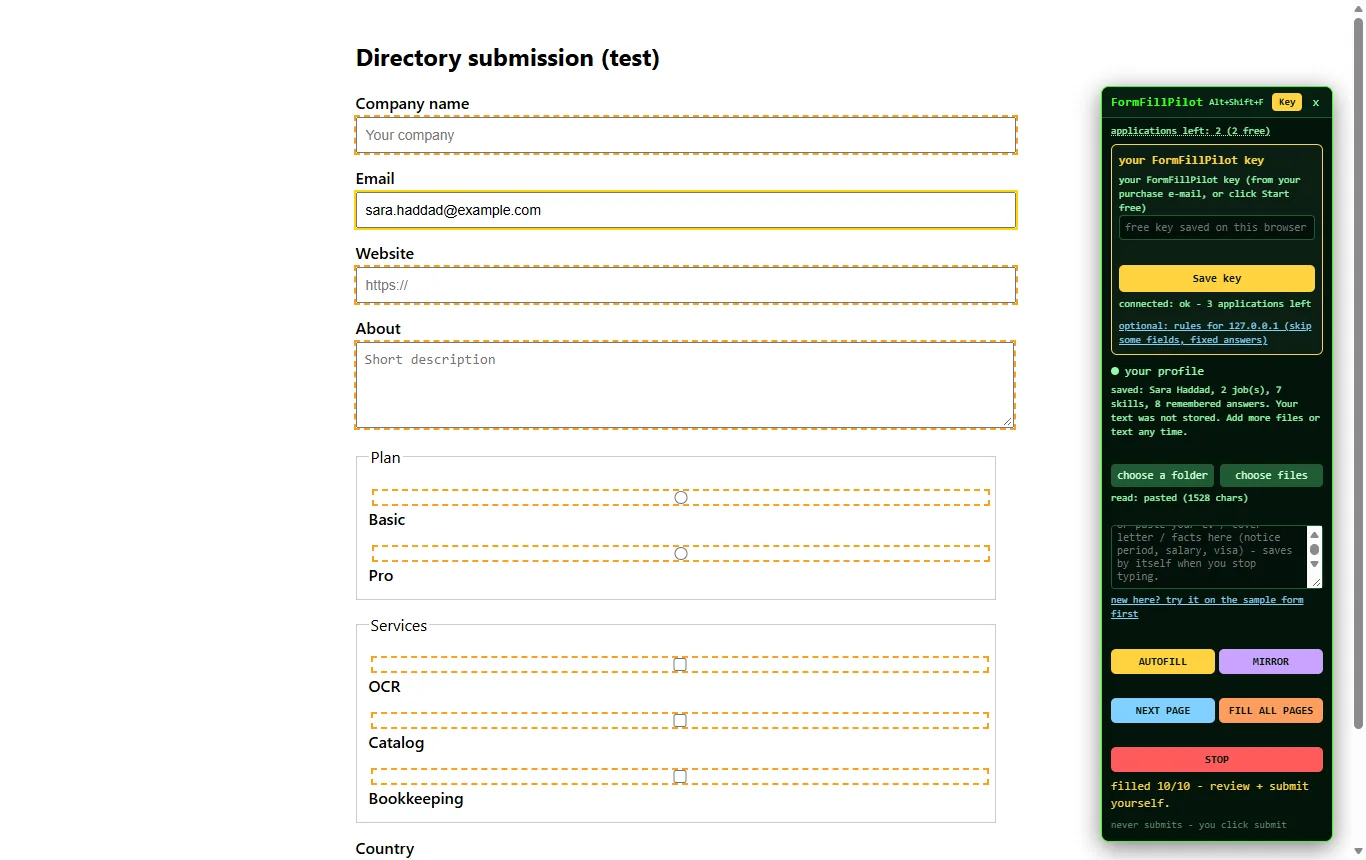
| AUTOFILL | Fills every field it can on this page, outlines each one, reports the count |
| FILL MISSING | Fills only the empty fields; what you typed stays |
| MIRROR | Every field with its answer, copy and send per field, SEND ALL |
| NEXT PAGE / FILL ALL PAGES | Carries a multi-page form through; STOP halts |
| cover letter for this job | Drafts a letter from your profile and the job text, for you to edit |
| never submits | The line at the bottom of the panel, and the rule the code follows |
Chrome and Edge only, on a computer
The extension runs in Google Chrome and Microsoft Edge on Windows, macOS and Linux. It does not run on phones. If you are reading this on a phone, email yourself the link and open it at your desk.
Try the whole flow on the sample form
A practice job application connected to nothing: paste any CV text, press AUTOFILL, read the mirror, press the sample's submit and see that nothing was sent.