
What a company profile holds
- Identity: legal name, trading name, registration number, VAT number, incorporation date.
- Contact: address, phone, website, contact person, opening hours, delivery time.
- Offer: services and products, tiers with delivery days, revisions, hours and prices, categories and skills.
- Answers you gave before to portal questions, remembered under your key.
Write them as plain "Label: value" lines in a text or Markdown file, or as fields in a JSON file. The engine reads the labels, so the same fact answers "VAT number", "VAT ID" and "Tax number".
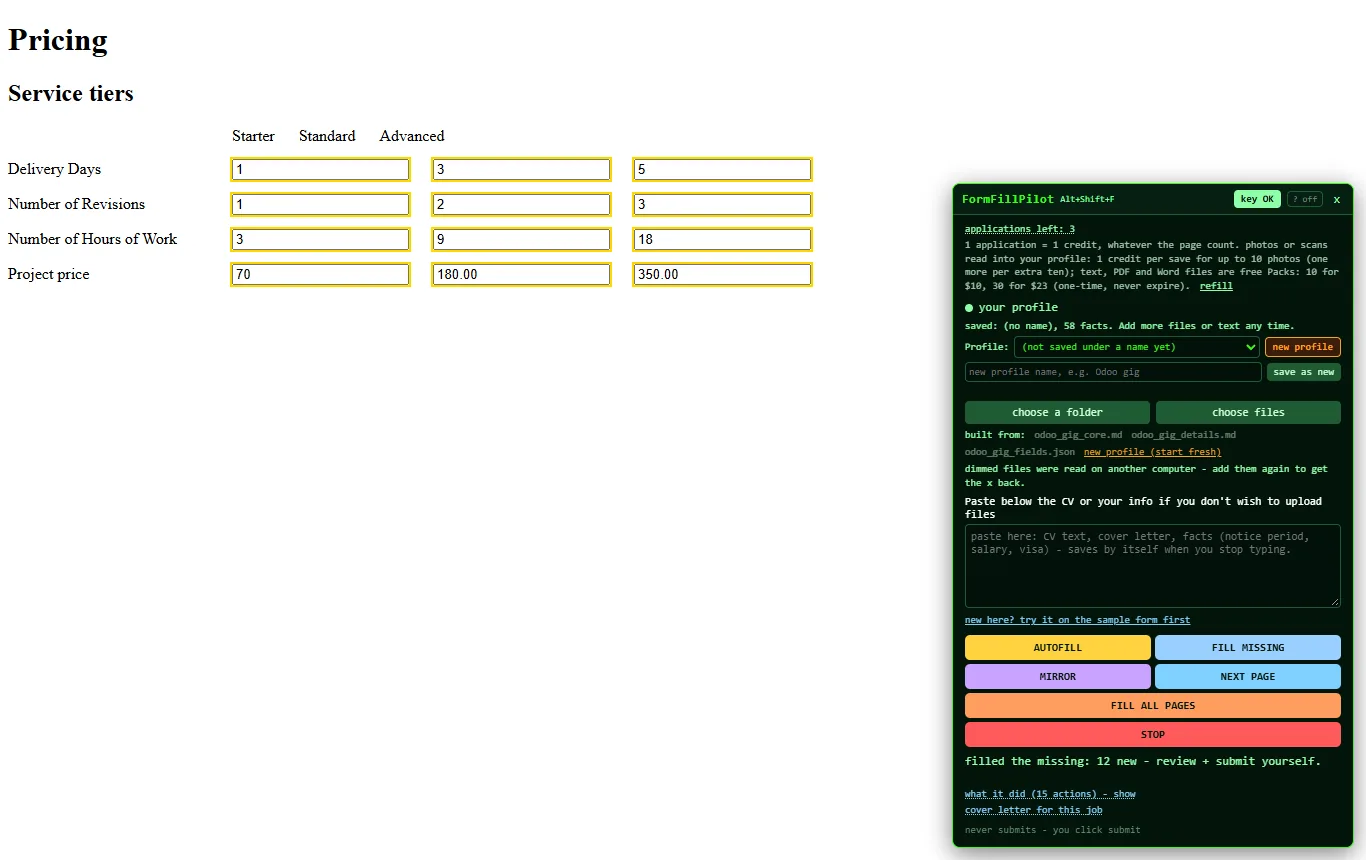
A tier table, 12 of 12. Starter, Standard and Advanced filled with delivery days, revisions, hours and price from a folder of two Markdown files and one JSON file.
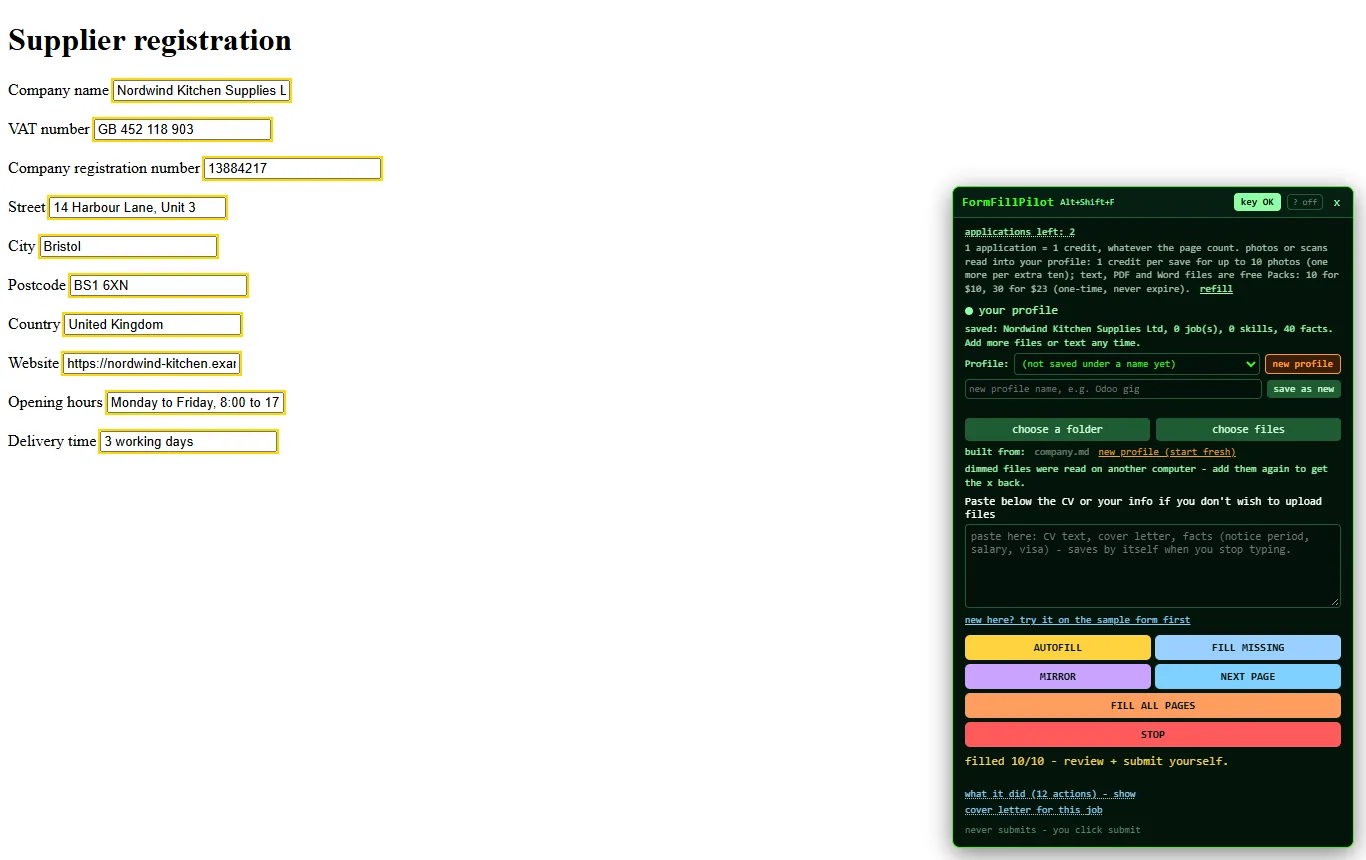
A supplier registration, 10 of 10. Not a single CV field: company sheet only.
The forms it is used on
- Supplier and vendor registrations on customers' procurement portals.
- Marketplace seller forms: project catalogs with tier grids, service listings, shop profiles. Our own use is the Upwork project catalog.
- Directory and association submissions: company name, description, categories, opening hours, links.
- Repeated data entry on partner portals: the same twenty details, a new form every week.
FILL MISSING for forms the portal pre-fills
Many portals pre-fill part of a form or show "$0.00" and "0" masks in empty boxes. FILL MISSING fills only what is empty, treats a placeholder or a zero mask as empty, and leaves what you or the portal already typed.
The honest limits
No submit, no logins, no account creation, no CAPTCHAs, no phones. Fields with no fact in your files stay empty and marked in the mirror until you type them once. Portals built from unusual widgets may need the mirror's copy button for a field or two.
Try it with a company sheet
The sample form is a job application, but it takes any profile. Paste a few "Label: value" lines about your company, press AUTOFILL, and see the mirror pick the right facts.